SteamCMD install & update
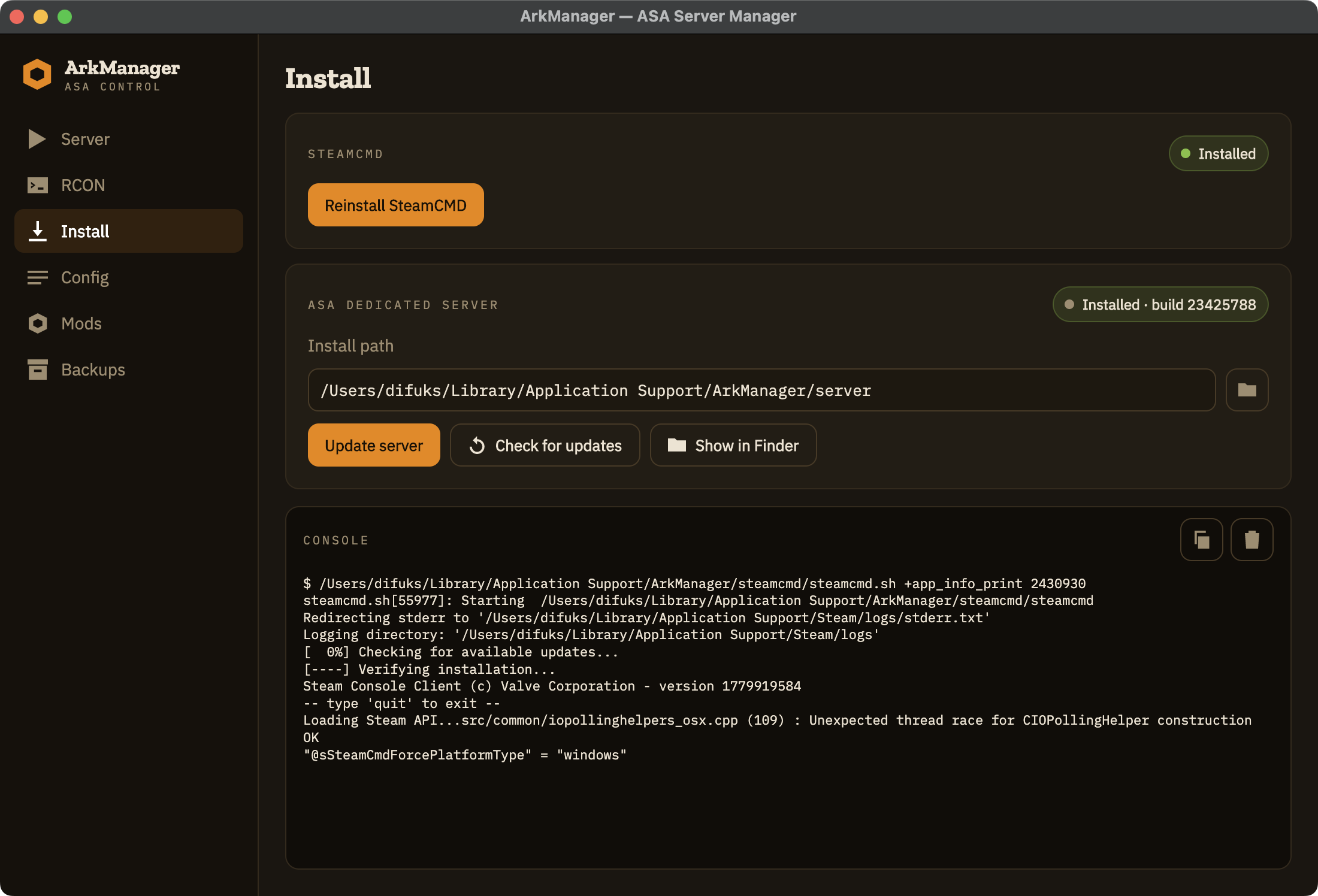
One click. Steam handles the 25 GB.
Cross-platform dedicated server manager for ARK: Survival Ascended.
No setup. No wine to install. No .NET runtime to install. Just download and run.
BUNDLED
Wine embedded. No external installs.
SELF-CONTAINED
.NET runtime ships with the app.
OPEN SOURCE
Inspect, fork, contribute.
FEATURES
One click. Steam handles the 25 GB.
Add by ID. Names resolve automatically.
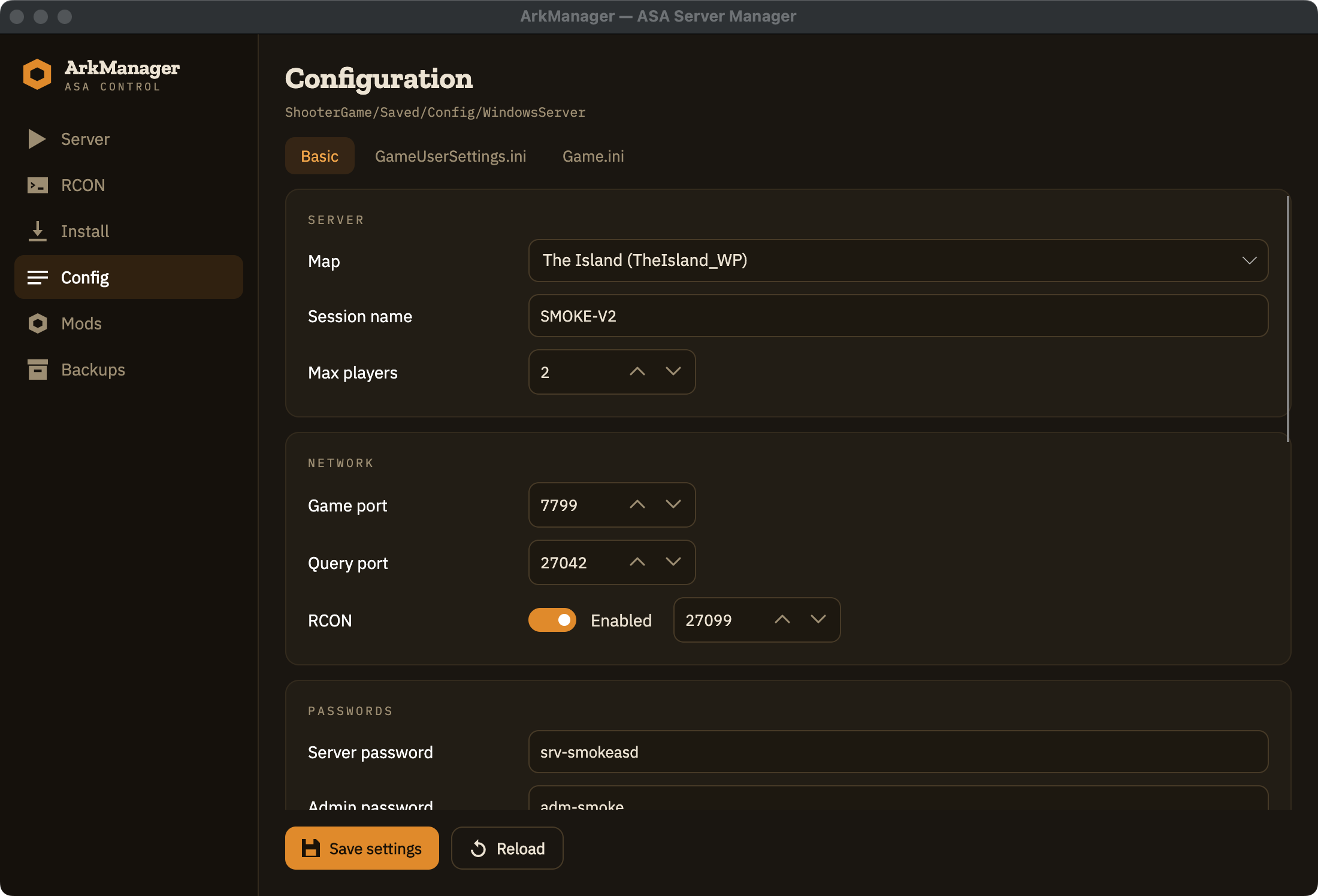
Form view for basics, raw tabs for the rest.
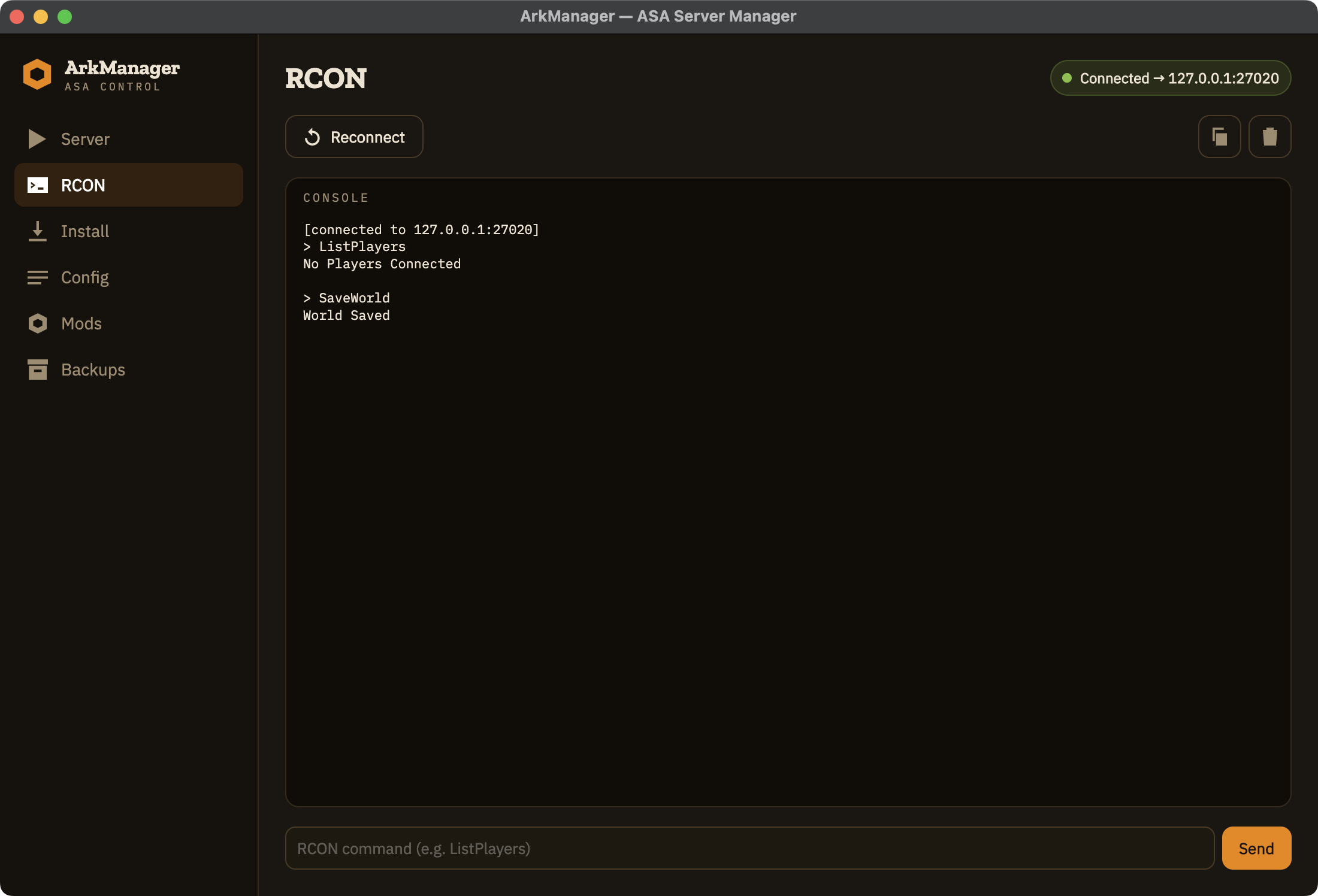
Snapshot Saved/ on a timer. Only while running.
saveworld, DoExit, Broadcast — one click.
Names and counts polled in the background.
ClusterId + transfer dir, GUI-driven.
Plus raw Game.ini for mod maps.
SCREENSHOTS
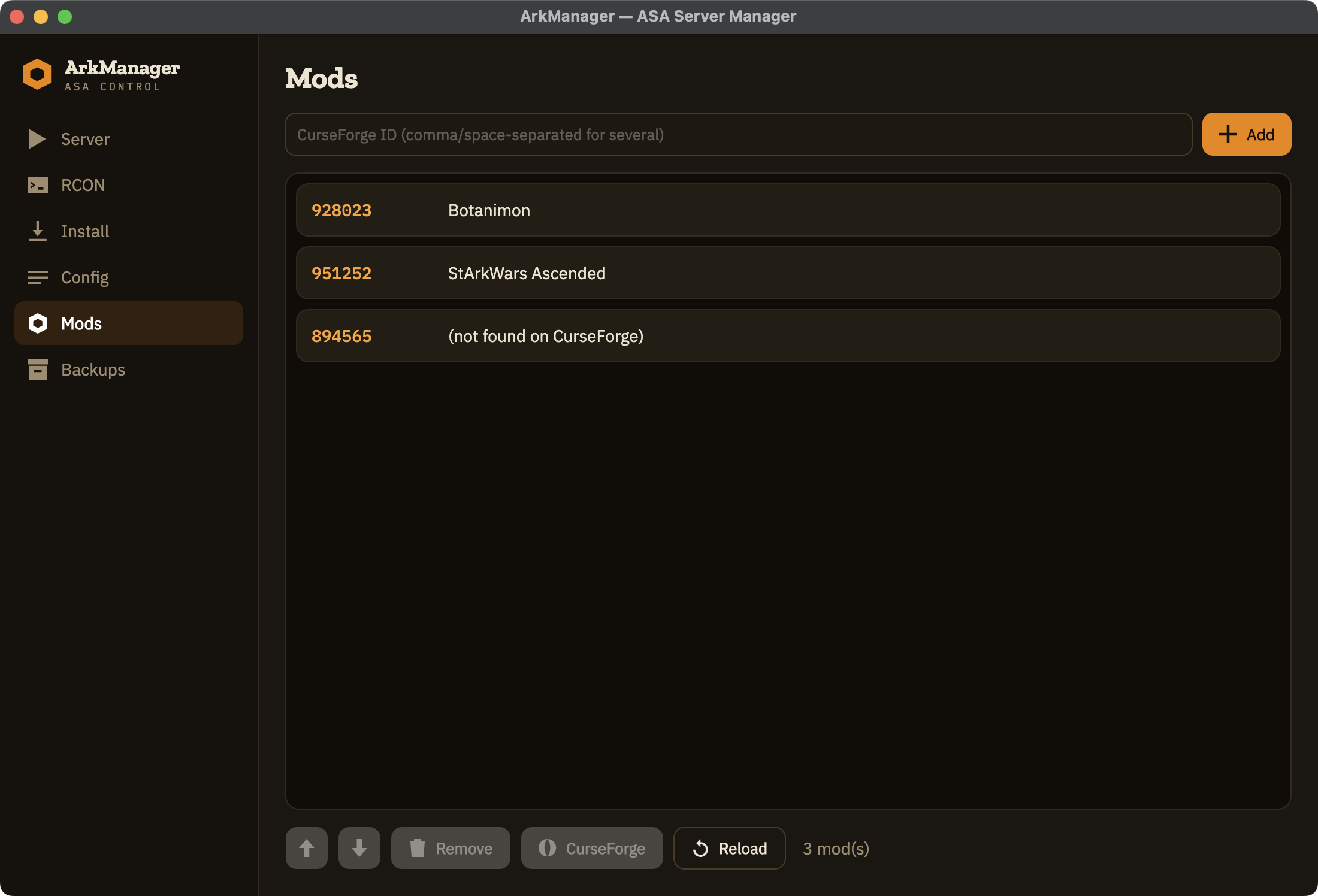
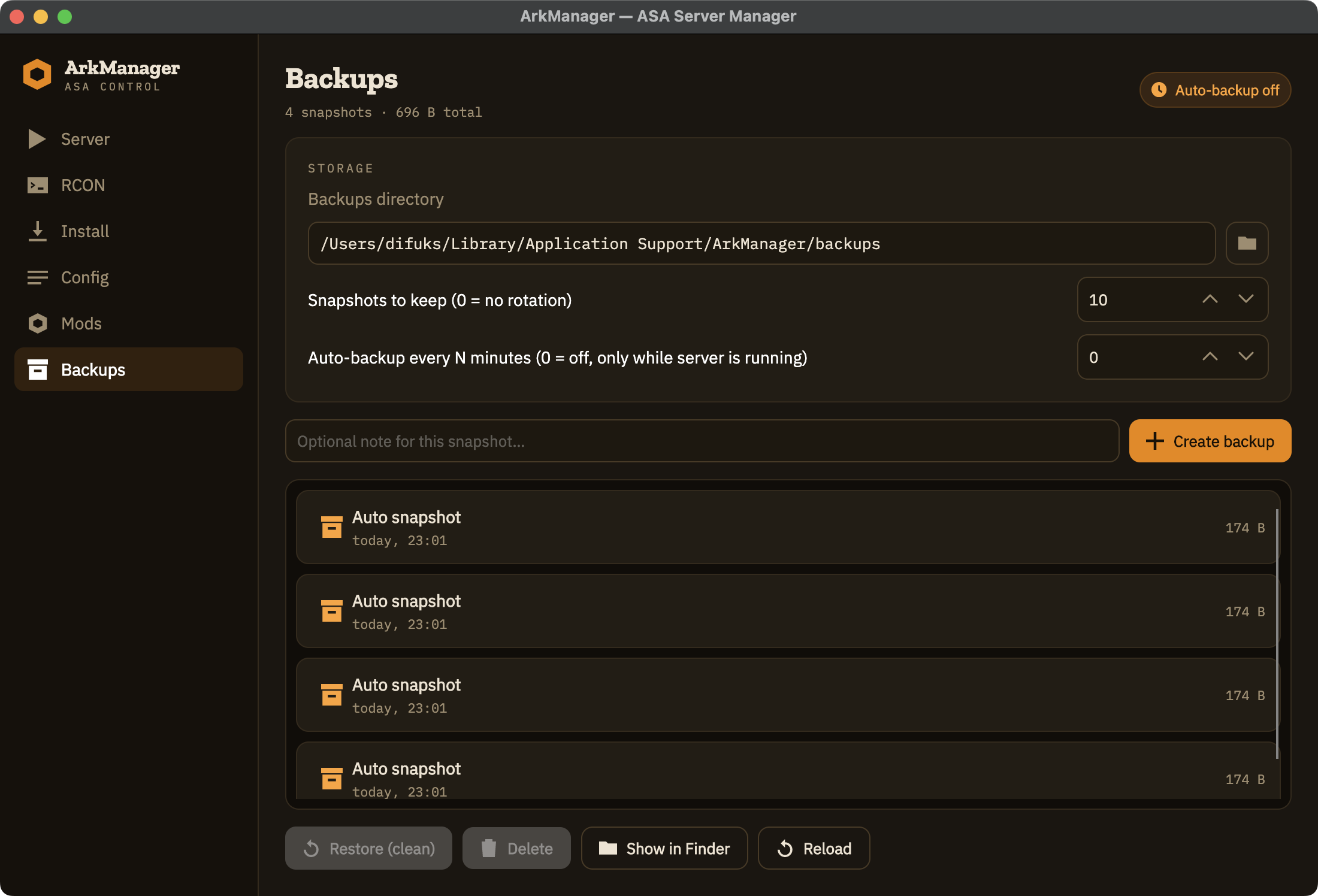
QUICK START
One-click bootstrap. No terminal.
Steam pulls 25 GB. Sit back.
Session name, admin password, ports. Defaults are sensible.
Wine builds its prefix on first run (~30s on mac/linux).
DOWNLOAD
FIRST LAUNCH
ArkManager isn't signed with an Apple or Microsoft certificate — those cost $99–$300 per year. Both systems will warn on first launch. Here's how to get past the warning.
Try right-click → Open first. On recent macOS this often fails silently for unsigned apps. If it does, open Terminal and run:
xattr -dr com.apple.quarantine /Applications/ArkManager.appReplace the path if you keep ArkManager elsewhere. After this the app launches normally — including subsequent updates.
On Apple Silicon you may also see "support for Intel applications will be discontinued soon" (and, on a fresh Mac, a prompt to install Rosetta) the first time you start a server. That's expected — the ASA server is a Windows Intel binary, run through bundled wine under Rosetta 2. Allow it and continue; Apple keeps Rosetta around for years yet.
SmartScreen shows "Windows protected your PC". Click More info → Run anyway. That's a one-time per binary.
If your environment blocks unsigned executables outright, you'll need IT to allow-list ArkManager — same drill as with any independent open-source tool.